Yet another Home Assistant component for Nature Remo.
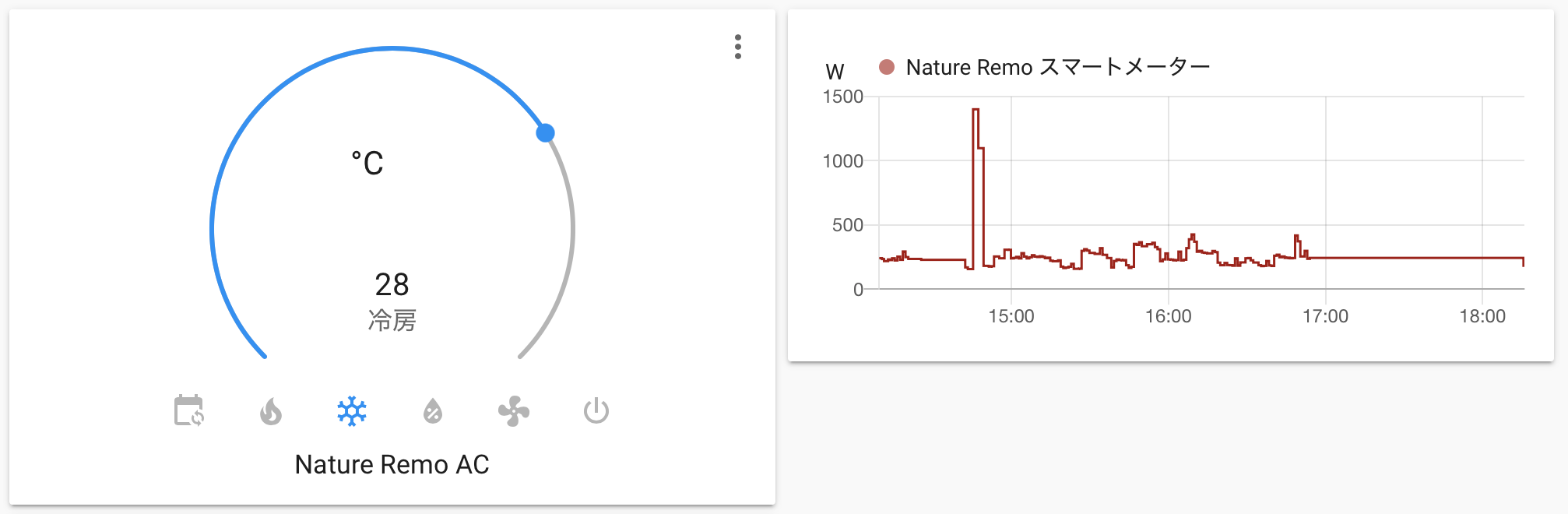
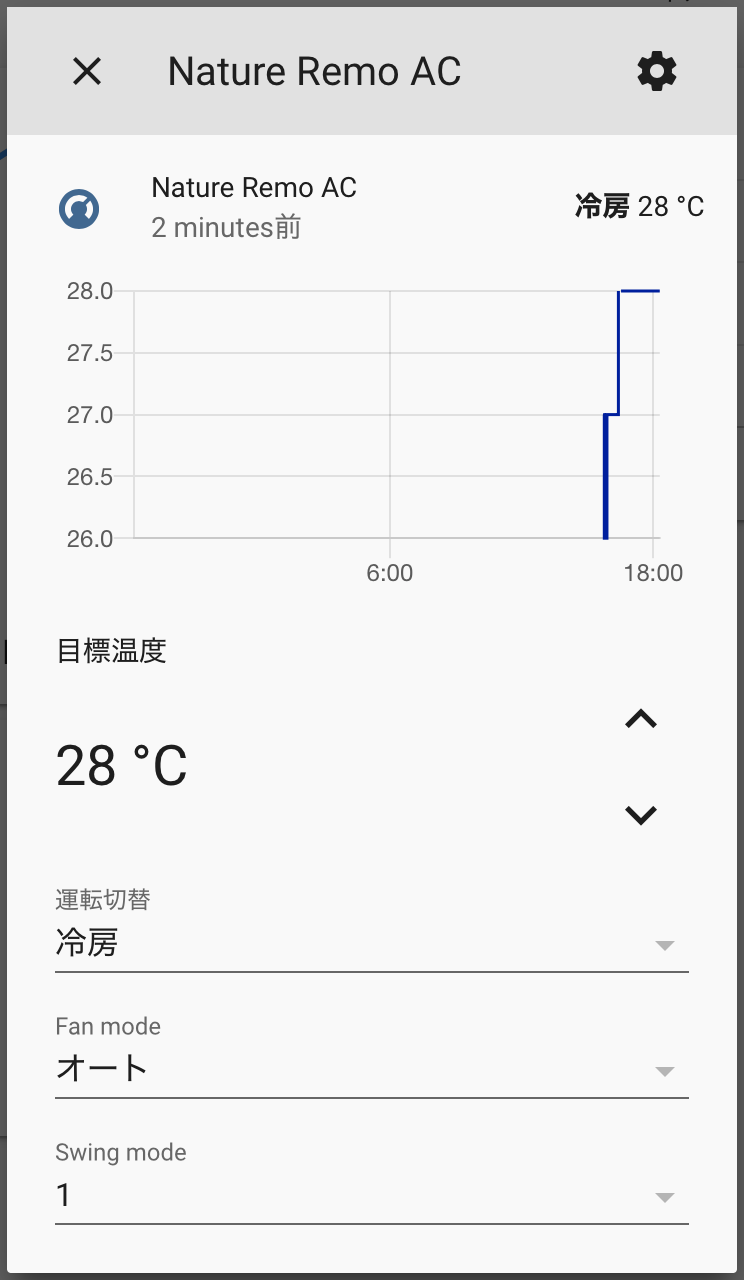
- Air Conditioner
- Set mode (e.g. cool, warm, blow etc.)
- Set temperature
- Set fan mode
- Set swing mode
- Show current temperature
- Remember previous target temperatures when switching modes back and forth
- Energy Sensor (Nature Remo E/E Lite)
- Fetch current power usage
- Fetch cumulative consumed energy
- Fetch cumulative returned energy (for solar panels, etc.)
- Switch
- Light
- TV
- Others
- Fetch sensor data
Tested on Home Assistant Core 2024.3.4 (Linux) Only energy sensor features (including cumulative consumed and returned energy) have been tested. Other device features (e.g. air conditioners, switches) were not verified in this update.
This integration supports Home Assistant's Energy Dashboard. If you're using Nature Remo E or E Lite, cumulative energy sensors (both consumed and returned) will automatically be available for configuration.
https://hacs.xyz/docs/faq/custom_repositories
Enter the following information in the dialog and click Add button.
- Repository: https://github.com/hannoeru/hass-nature-remo
- Category: Integrations
- Download this repository
- Create
custom_components/nature_remofolder in your config directory - Copy files into it (Just drag&drop whole files would be fine)
{path_to_your_config}
├── configuration.yaml
└── custom_components
    └── nature_remo
        ├── __init__.py
        ├── climate.py
        ├── manifest.json
        └── sensor.py
If you have set up git, you can also install this component by adding submodule to your git repository.
git submodule add https://github.com/yutoyazaki/hass-nature-remo.git {path_to_custom_component}/nature_remo- Go to https://home.nature.global and sign in/up
- Generate access token
- Add the following codes to your
configuration.yamlfile
nature_remo:
access_token: YOUR_ACCESS_TOKENThis section contains information for developers who want to contribute to this project.
- Python 3.12 or higher
- uv - Python package manager
-
Clone the repository
git clone https://github.com/hannoeru/hass-nature-remo.git cd hass-nature-remo -
Install uv (if not already installed)
curl -LsSf https://astral.sh/uv/install.sh | sh -
Set up virtual environment and install dependencies
uv sync --dev
-
Activate the virtual environment
source .venv/bin/activate
This project uses several development tools to maintain code quality:
- Ruff - Fast Python linter and formatter
# Check for linting issues
uv run ruff check

# Fix auto-fixable issues
uv run ruff check --fix

# Format code
uv run ruff format
- mypy - Static type checker
uv run mypy .
- pytest - Testing framework
# Run all tests
uv run pytest

# Run tests with coverage
uv run pytest --cov

# Run specific test file
uv run pytest tests/test_specific.py
hass-nature-remo/
├── __init__.py          # Main integration setup
├── climate.py           # Climate entity implementation
├── sensor.py            # Sensor entities implementation
├── manifest.json        # Home Assistant integration manifest
├── pyproject.toml       # Project configuration and dependencies
├── README.md            # This file
└── tests/               # Test files (if any)
-
Follow Home Assistant development patterns - Refer to the Home Assistant Developer Documentation
-
Add type annotations - All new code should include proper type hints
-
Write tests - Add tests for new functionality in the
tests/directory -
Run quality checks before committing:
# Run all checks
uv run ruff check --fix
uv run ruff format
uv run mypy .
uv run pytest
For debugging the integration:
-
Enable debug logging in your Home Assistant
configuration.yaml:logger: default: info logs: custom_components.nature_remo: debug
-
Use Home Assistant's developer tools to inspect entity states and attributes
-
Check Home Assistant logs for any error messages related to the integration
- Fork the repository
- Create a feature branch
- Make your changes following the development guidelines above
- Run all quality checks
- Submit a pull request
To test the integration with Home Assistant:
- Install Home Assistant in a development environment
- Copy the integration to your
custom_componentsdirectory - Add the configuration to your
configuration.yaml - Restart Home Assistant and check the logs for any issues